Before you begin
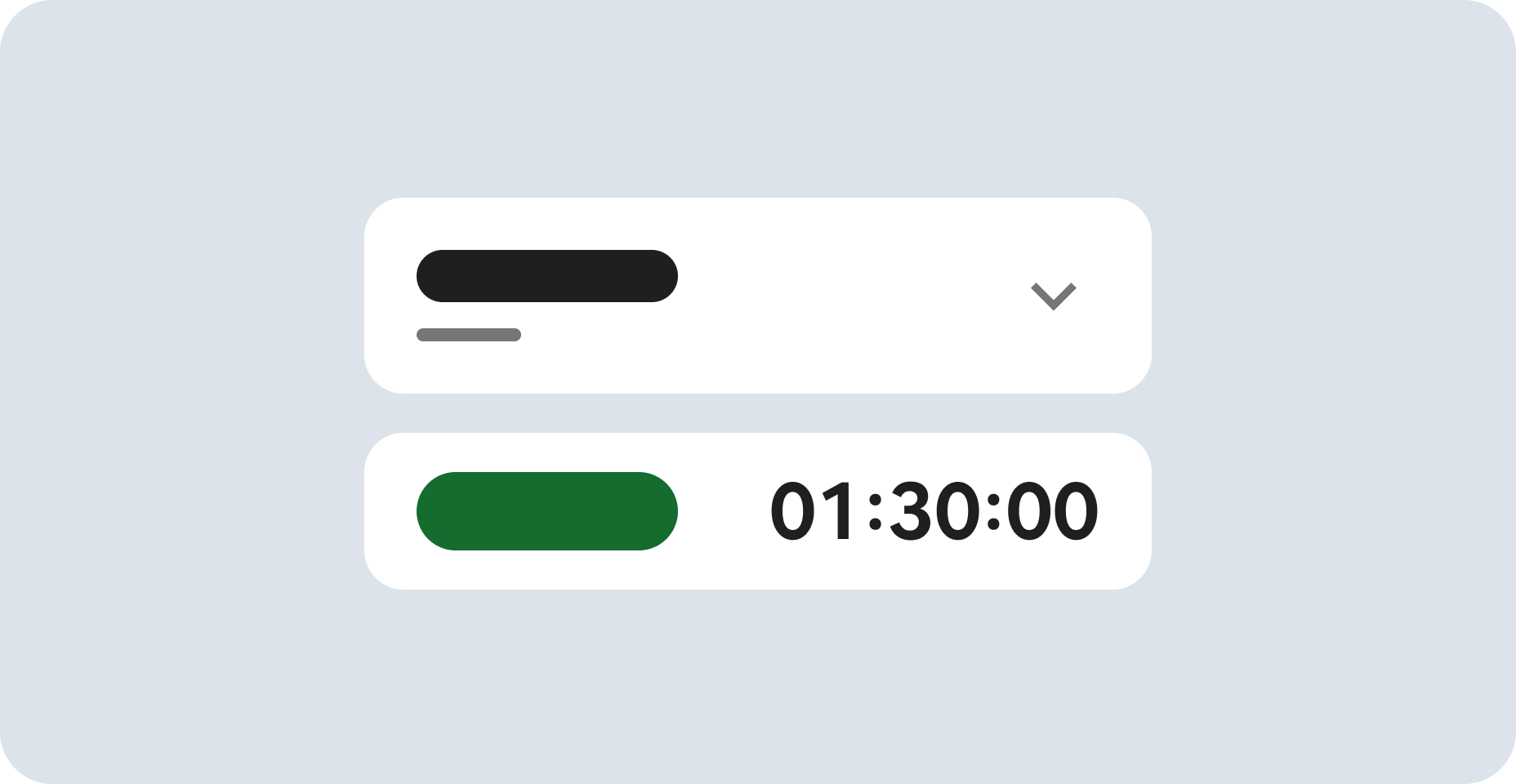
- Labs create a Google Cloud project and resources for a fixed time
- Labs have a time limit and no pause feature. If you end the lab, you'll have to restart from the beginning.
- On the top left of your screen, click Start lab to begin

Image understanding across multiple images
/ 10
Generating a video description
/ 10
Audio understanding
/ 10
Reason across a codebase
/ 10
Video and audio understanding
/ 10
All modalities (images, video, audio, text) at once
/ 10
Generating recommendations based on provided images
/ 10
Understand entity relationships in technical diagrams
/ 10
Compare images for similarities and differences
/ 20


This lab introduces you to Gemini, a family of multimodal generative AI models developed by Google. You use the Gemini API to explore how Gemini Flash can understand and generate responses based on text, images, video, audio, documents, and code.
Gemini's multimodal capabilities enable it to:
You experiment with these features through hands-on tasks using the Gemini API in Agent Platform.
Explore other content in the Gemini Enterprise Agent Ready (GEAR) program.
Before starting this lab, you should be familiar with:
In this lab, you learn how to perform the following tasks:
Part objects.Read these instructions. Labs are timed and you cannot pause them. The timer, which starts when you click Start Lab, shows how long Google Cloud resources are made available to you.
This hands-on lab lets you do the lab activities in a real cloud environment, not in a simulation or demo environment. It does so by giving you new, temporary credentials you use to sign in and access Google Cloud for the duration of the lab.
To complete this lab, you need:
Click the Start Lab button. If you need to pay for the lab, a dialog opens for you to select your payment method. On the right is the Lab setup and access panel with the following:
Note that the lab timer is located near the top of the page, showing the remaining time.
Click Open Google Cloud console (or right-click and select Open Link in Incognito Window if you are running the Chrome browser).
The lab spins up resources, and then opens another tab that shows the Sign in page.
Tip: Arrange the tabs in separate windows, side-by-side.
If necessary, copy the Username below and paste it into the Sign in dialog.
You can also find the Username in the Lab setup and access panel.
Click Next.
Copy the Password below and paste it into the Welcome dialog.
You can also find the Password in the Lab setup and access panel.
Click Next.
Click through the subsequent pages:
After a few moments, the Google Cloud console opens in this tab.

In the Google Cloud console, on the Navigation menu (
Find the
The JupyterLab interface for your Workbench instance opens in a new browser tab.
Open the
In the Select Kernel dialog, choose Python 3 (Local) from the list of available kernels.
Run through the Getting Started section of the notebook. The Project ID and Location are pre-configured for you.
Gemini Flash is a natively multimodal model that accepts multimodal payloads. You structure your requests by creating a contents payload list containing text prompts, media files formatted as Part objects (Part.from_uri or Part.from_bytes), and structured context (such as cached codebases or diagram descriptions).
In this task, run through the specified notebook cells to see how to use the Gemini Flash model. Return here to check your progress as you complete the objectives.
One of Gemini's capabilities is being able to reason across multiple images. In this example, you provide Gemini with images of different glasses and an oval face shape to receive personalized recommendations.
Click Check my progress to verify the objective.
Gemini can also extract tags throughout a video and retrieve extra information beyond the video contents. In this example, you use Gemini to analyze travel and transit videos to extract tags and identify locations.
Click Check my progress to verify the objective.
Gemini can directly process audio for long-context understanding. In this example, you use Gemini to summarize audio recordings, extract chapter titles, and transcribe interviews.
Click Check my progress to verify the objective.
Gemini can process large codebases and structured repositories using context caching to retain context efficiently across multiple queries. In this example, you index a microservices application codebase, create a cached content resource, and prompt Gemini to generate developer onboarding guides, detect code issues, and summarize architecture.
Click Check my progress to verify the objective.
In this example, you test Gemini's native multimodal and long-context capabilities on video interleaved with audio inputs.
Click Check my progress to verify the objective.
Gemini is natively multimodal and supports interleaving of data from different modalities. In this example, you pass a combined payload of video, image, and text instructions to locate specific moments and extract context.
Click Check my progress to verify the objective.
Gemini is capable of comparing visual options and providing grounded recommendations. In this example, you provide an image of a living room along with several wall art options formatted as Part objects and labeled prompts to generate styled interior design recommendations.
Click Check my progress to verify the objective.
Gemini has multimodal capabilities that enable it to understand diagrams and take actionable steps, such as optimization or code generation. In this example, you see how Gemini can decipher an entity relationship (ER) diagram, understand the relationships between tables, identify requirements for optimization in a specific environment like BigQuery, and even generate corresponding code.
Click Check my progress to verify the objective.
Gemini can compare images and identify similarities or differences between objects. In this example, you use Gemini to compare two images of the same location and identify the differences between them.
Click Check my progress to verify the objective.
You have now completed the lab! In this lab, you learned how to use the Gemini API in Agent Platform to generate responses from combined text, image, video, audio, and structured data prompts.
Check out the following resources to learn more about Gen AI and the Gemini Enterprise Agent Platform:
...helps you make the most of Google Cloud technologies. Our classes include technical skills and best practices to help you get up to speed quickly and continue your learning journey. We offer fundamental to advanced level training, with on-demand, live, and virtual options to suit your busy schedule. Certifications help you validate and prove your skill and expertise in Google Cloud technologies.
Manual Last Updated August 26, 2026
Lab Last Tested August 26, 2026
Copyright 2026 Google LLC. All rights reserved. Google and the Google logo are trademarks of Google LLC. All other company and product names may be trademarks of the respective companies with which they are associated.


This content is not currently available
We can notify you via email when it becomes available
Great!
We can contact you via email if it becomes available

One lab at a time
Confirm to end all existing labs and start this one